Audit & Logging
Google Client gives administrators visibility into what is happening with files, both inside Salesforce and on the Google side.
Salesforce Logging
All significant actions taken through Google Client are captured using Nebula Logger. This includes uploads, shares, access attempts, version changes, and any errors that occur.
Logs are stored inside Salesforce and visible to administrators without any third-party tooling.
Analytics Tab
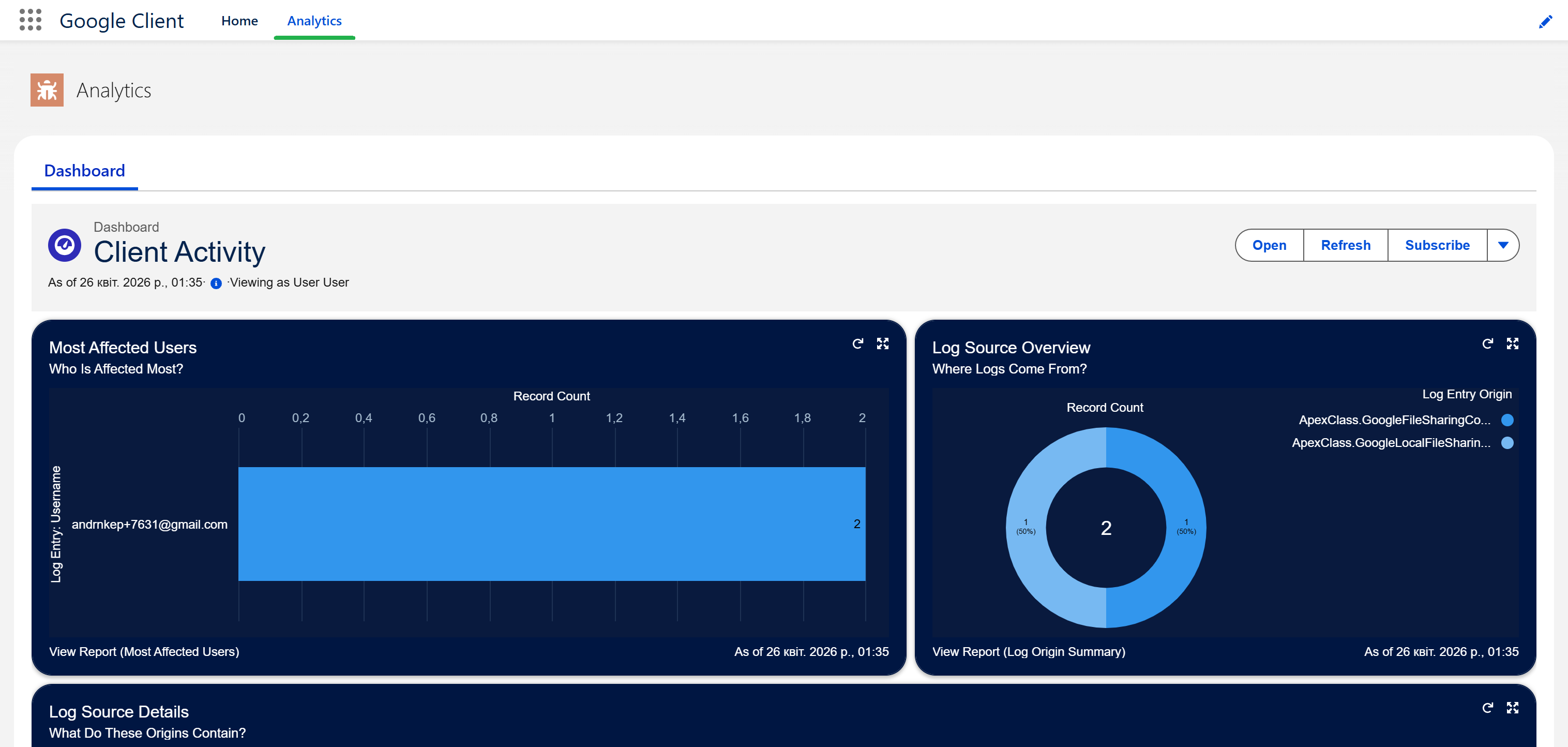
The Google Client application includes a dedicated Analytics tab. It surfaces a built-in Salesforce dashboard that gives administrators a quick view of activity, errors, and usage patterns based on the captured log data — all without leaving the app.
Google Workspace Audit Visibility
On the Google side, all file activity is tracked through standard Google Workspace tooling. Administrators can use the Google Admin Console and Drive Audit Logs to review file access events, sharing changes, and security alerts.
Why This Matters
Between the Salesforce logs, the Analytics dashboard, and the Google-side audit trail, administrators have a complete picture of how files are accessed and managed. This supports compliance requirements, helps detect unexpected access, and provides a clear trace for any regulated operation.