Versioning
File versioning ensures that updates to a file do not overwrite history. Users with Collaboration Access can upload new versions of a file at any time.
How Versioning Works
When a collaborator uploads a new version:
- The newest version becomes the active one
- Previous versions are retained for audit and review
- Access permissions are preserved
Google Client keeps the latest active version aligned after common file actions, including initial upload, file replacement, attaching an existing file to another record, and uploading a new version.
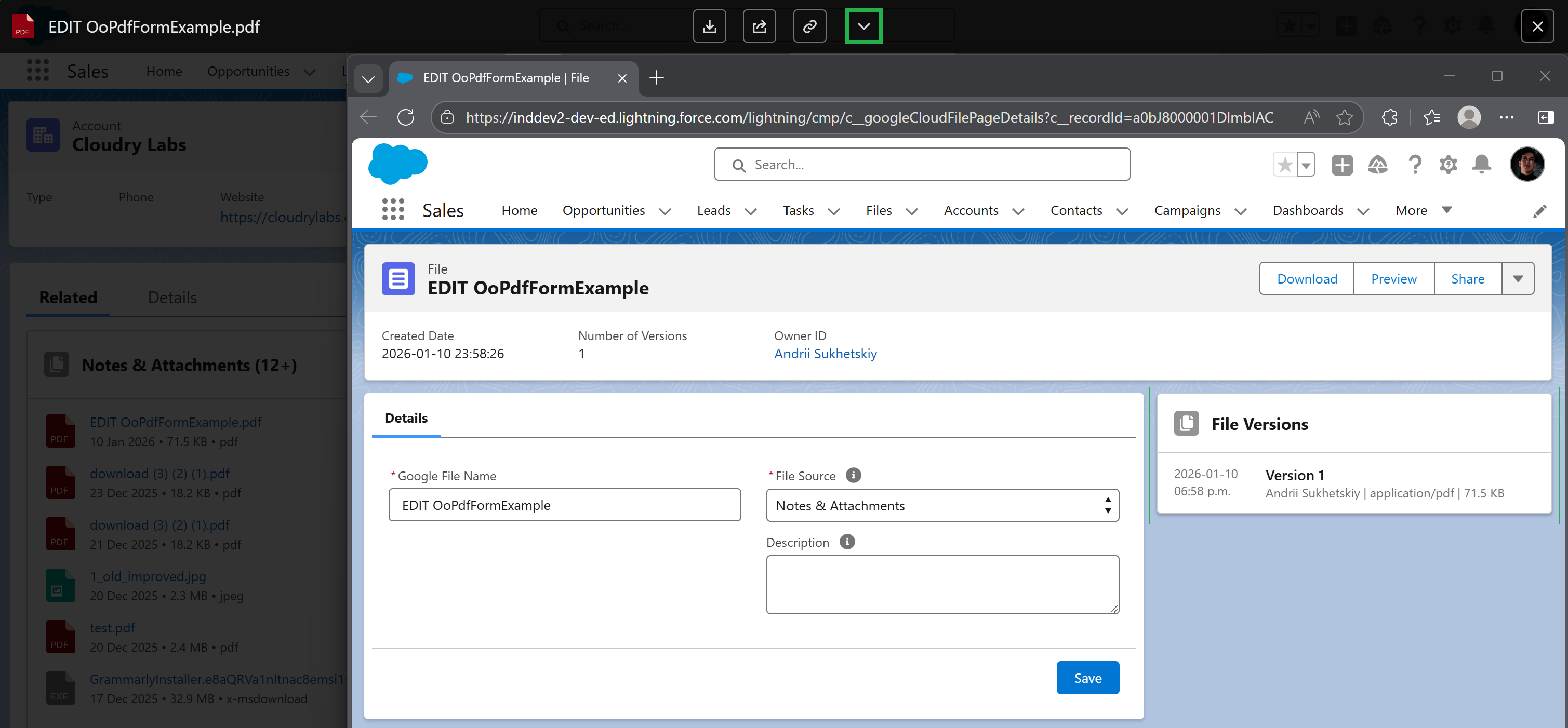
Preview and download actions use the expected active version, while older versions remain available from the file details page where supported.
Viewing Previous Versions
To view older versions:
- Open the File Record Page
- Locate the Versions panel
- Select any version to preview or download
This approach prevents data loss, improves collaboration, and supports regulated environments where file history matters.